
AS-613
Indoor position, presence, and closest-person vital-sign sensing on a compact 1 TX / 3 RX radar module.
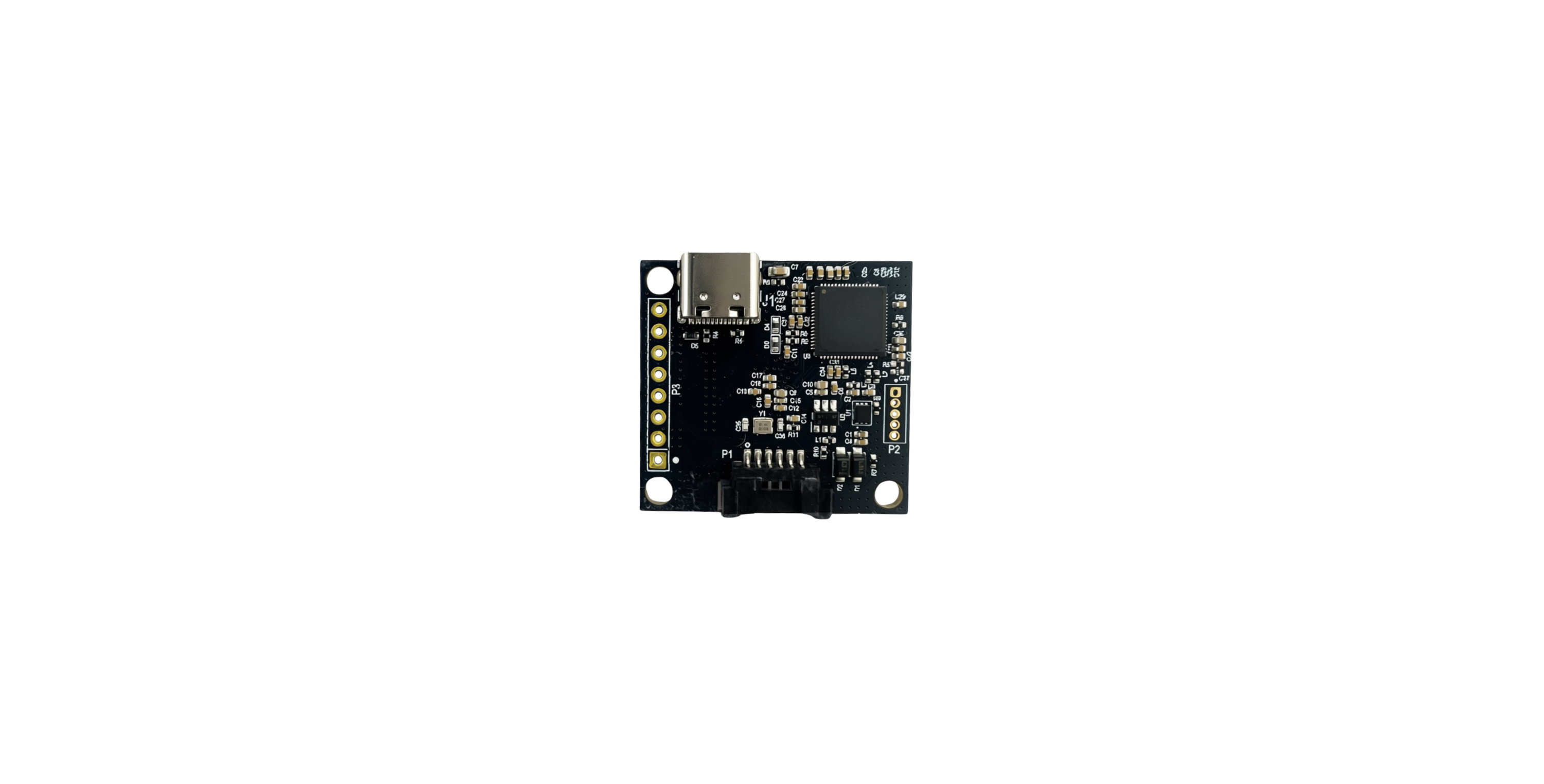
Choose Your Sensing Guide
Start with position or vital-sign sensing. Confirm the firmware and licensed options on your unit before using application-specific modes.
Track Position
Configure wall and ceiling coordinates, the region of interest, sensitivity, and exclusion zones.
Open Guide →Read Closest-Person Vital Signs
Interpret heart rate, breathing, waveform, and optional HRV output for the closest detected person.
Open Guide →Explore Application Modes
Review restroom, hospital-bed, and presence workflows with their installation and license requirements.
Open Guide →Connect Your Host
Integrate ASCII UART commands and data, and check GPIO and USB-C requirements.
Open Guide →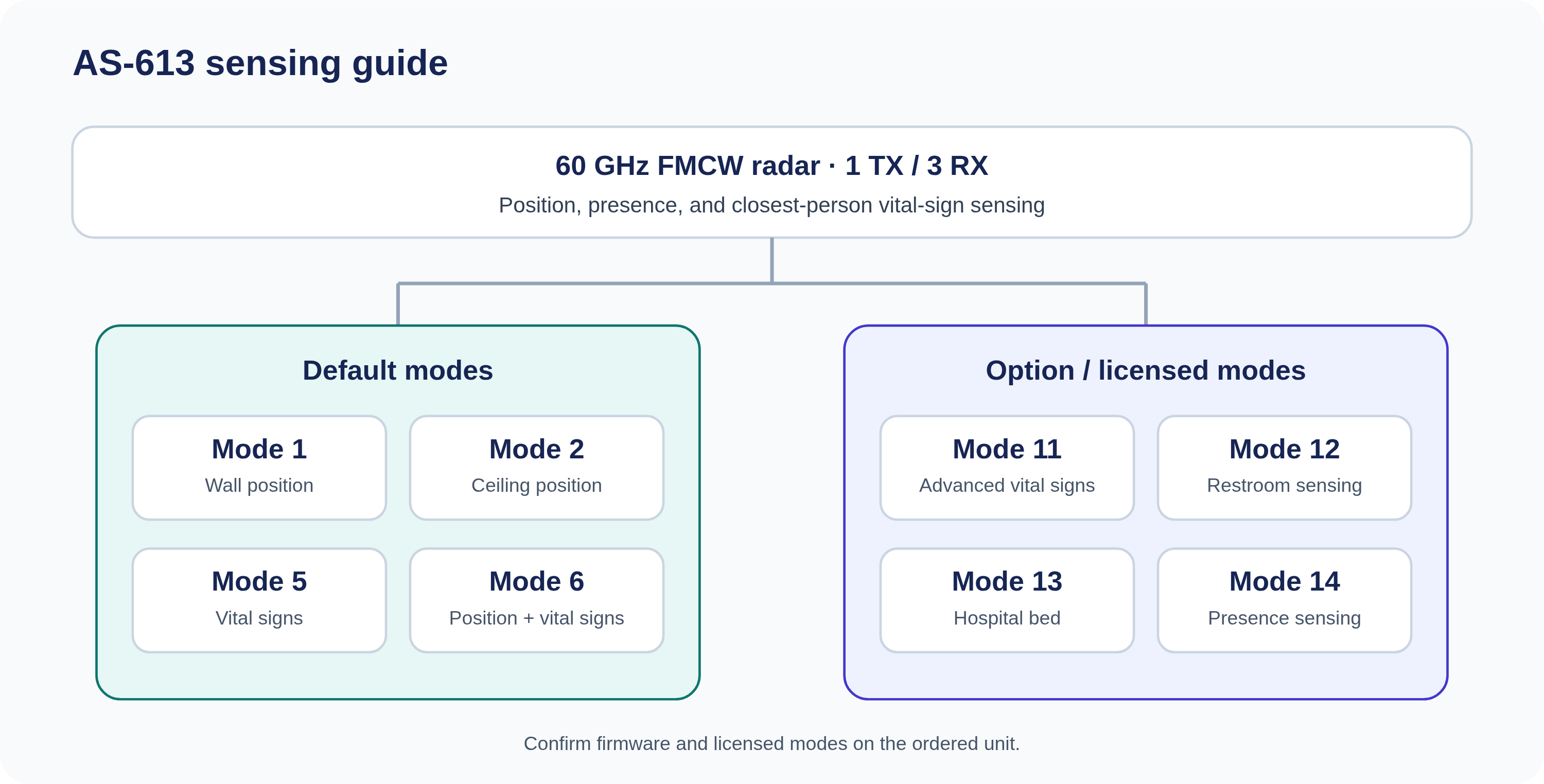
Default and option-mode map. Confirm the firmware and license state of the ordered unit. Review the hardware, connectors, modes, and documented limits. Confirm power and UART levels, query firmware, and observe Mode 1 packets. Use the documented commands, response types, and mode-specific frame layouts.From Connection to Sensor Data
Know Your Module
Make the First Connection
Interpret the Output
AS-613 Resources